

Try it on VESSL Hub
Try out the Quickstart example with a single click on VESSL Hub.
See the final code
See the completed YAML file and final code for this example.
Note that if you want to save your credits, remember to Terminate to stop
and end the runs.
What you will do
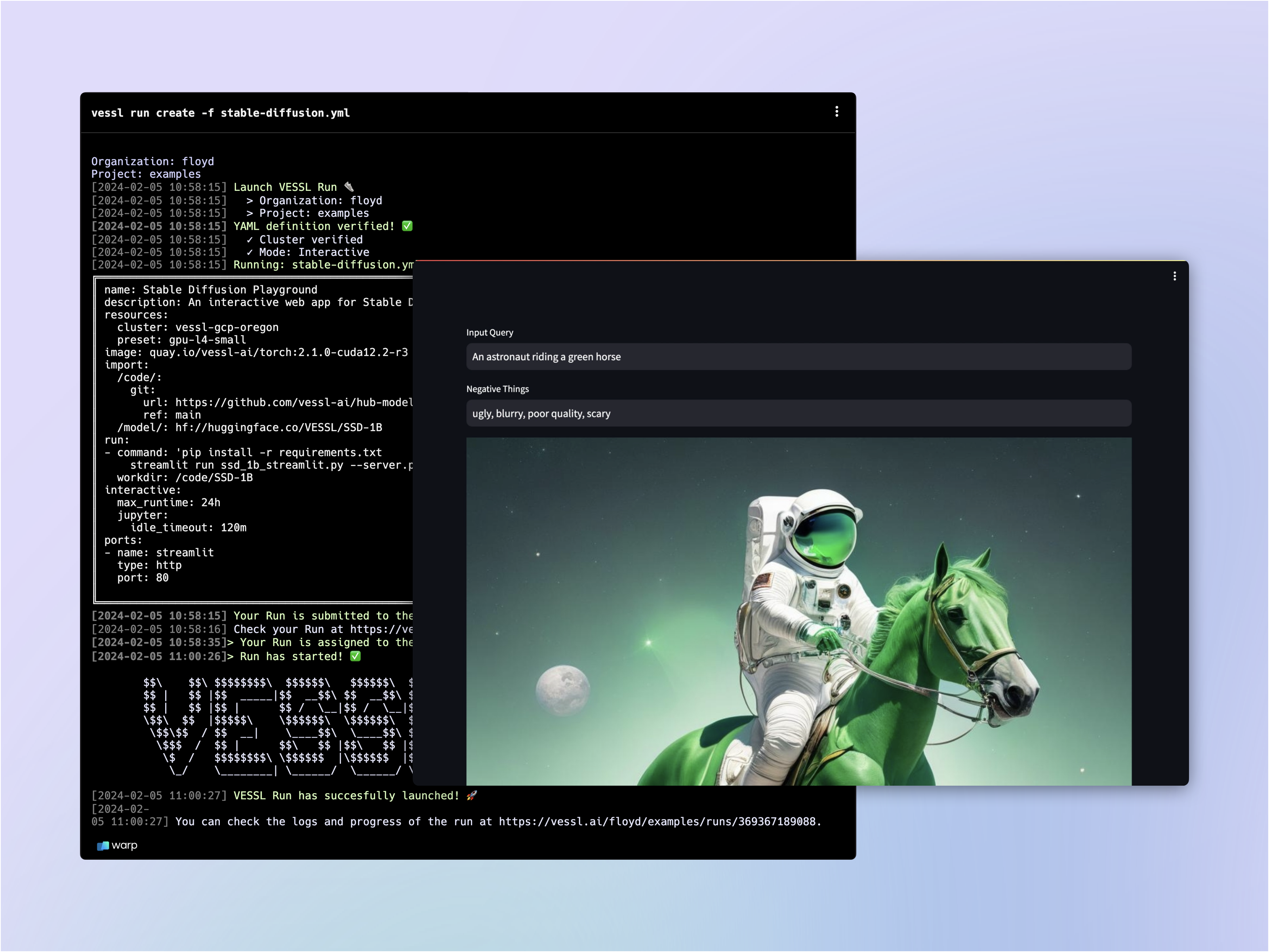
- Host a GPU-accelerated web app built with Gradio
- Mount model checkpoints from Hugging Face
- Open up a port to an interactive workload for inference
Writing the YAML file
Let’s fill in theimage-generation.yaml file.
1
Spin up an interactive workload
We already learned how you can launch an interactive workload in our previous guide. Let’s copy & paste the YAML we wrote for
notebook.yaml.2
Import code and model
Let’s mount a GitHub repo and import a model checkpoint from Hugging Face. We already learned how you can mount a codebase from our Quickstart guide.VESSL comes with a native integration with Hugging Face so you can import models and datasets simply by referencing the link to the Hugging Face repository. Under
import, let’s create a working directory /model/ and import the model.3
Open up a port for inference
The
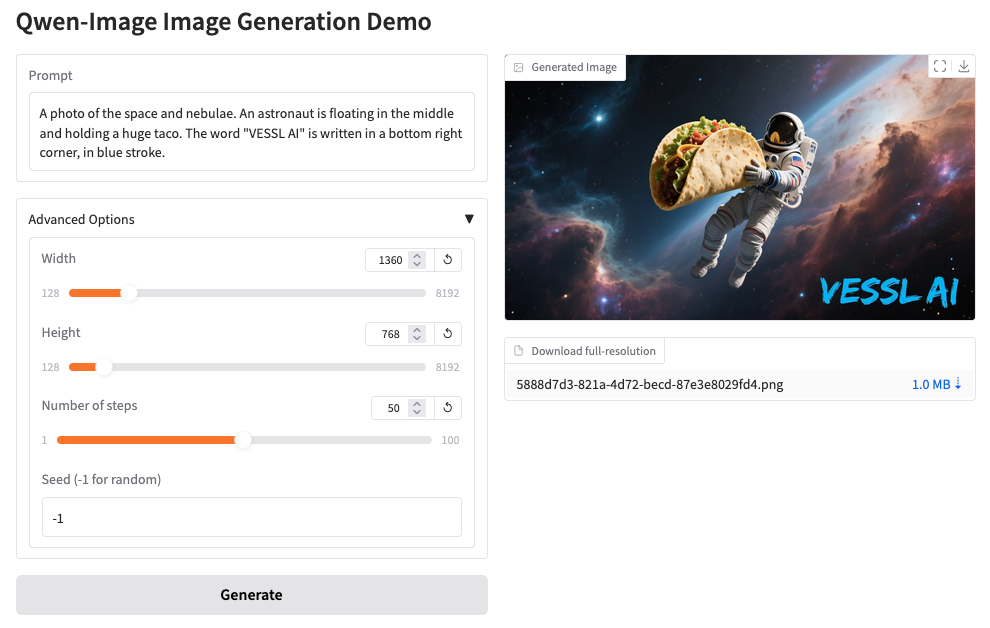
ports key expose the workload ports where VESSL listens for HTTP requests. This means you will be able to interact with the remote workload — sending input query and receiving an generated image through port 7860 in this case.4
Write the run commands
Let’s install additional Python dependencies and finally run our python file
app.py.Running the app
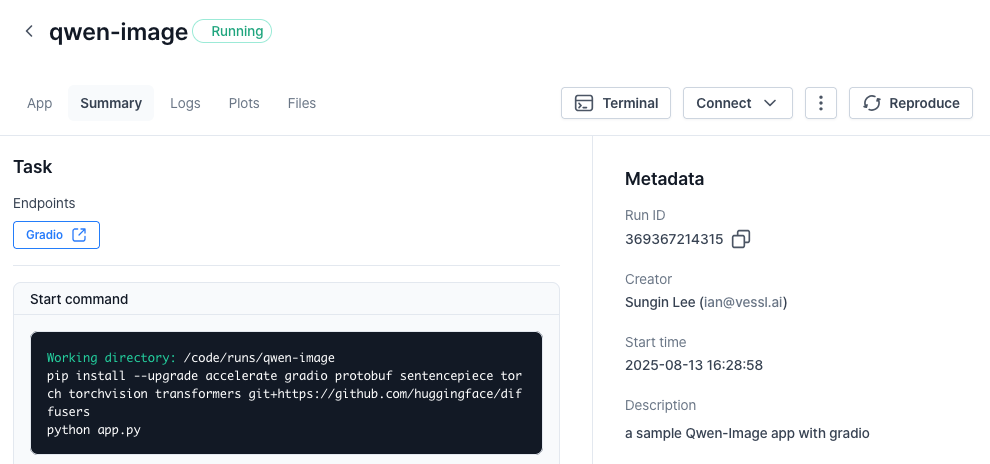
Once again, running the workload will guide you to the workload Summary page.gradio link to launch the app.
Using our web interface
You can repeat the same process on the web. Head over to your Organization, select a project, and create a New run.What’s next?
See how VESSL takes care of the infrastructural challenges of fine-tuning a large language model with a custom dataset.Phi-4 Fine-tuning
Fine-tune Phi-4 with counselling datasets
Phi-4-mini-reasoning deployment
Serve & deploy vLLM-accelerated Phi-4-mini-reasoning
Enable Serverless Mode
Deploy with VESSL Service Serverless mode