

pip
If you install a python package with pip but you cannot find it, then add the following path as the official jupyterlab document stated.conda
If you want to use conda in your notebook, run the following code as the first executable cell.Disk persistency and node affinity problem
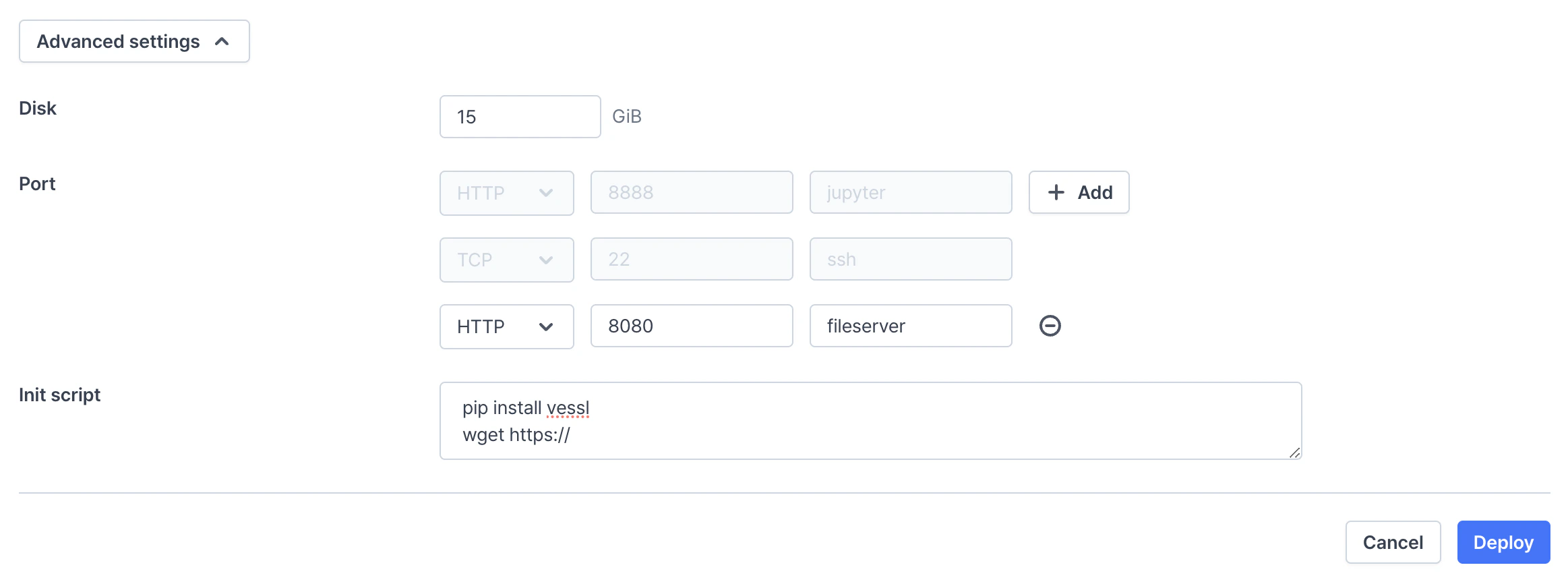
In VESSL,/root is the only persistent directory. Other directories reset eveytime you restart a workspace. If you need libraries or packages that should be installed outside /root, fill the Init script with the install commands. You can also build your own docker image on top of VESSL managed docker images.
- For cloud providers (managed cluster and custom cluster provided by AWS or GCP), VESSL uses storage provisioners like
aws-efs-csi-driver. It automatically attaches Amazon Elastic Block Store (EBS) volumes to container when started, and stored persistently until the workspace is terminated. - For on-premises cluster, VESSL use storage provisioners like
local-path-provisioner. It stores data on the host machine assigned to when the workspace is created. (So it fixes to one machine due to storage persistency).- VESSL does online backup/restore to resolve this issue. VESSL automatically backup and upload all contents in
/rootwhen the workspace is stopped. All contents will be downloaded and restored when the workspace is resumed. - If
/root/is larger than 15GB, VESSL does not online backup/restore, so it fixes to one machine. - For enterprise plan, Organization admin can specify the detail rules of online backup, such as the backup location.
- VESSL does online backup/restore to resolve this issue. VESSL automatically backup and upload all contents in
Backup & restore manually
You can manually backup and restore/root/ with CLI. This feature is useful in the following situations:
- Move the workspace to another cluster
- Clone the workspace
- Run
vessl workspace backupfrom the source workspace - Run
vessl workspace restorefrom the destination workspace/root/folder should be empty in the destination workspace